Unibrow
Your notch, put to work.
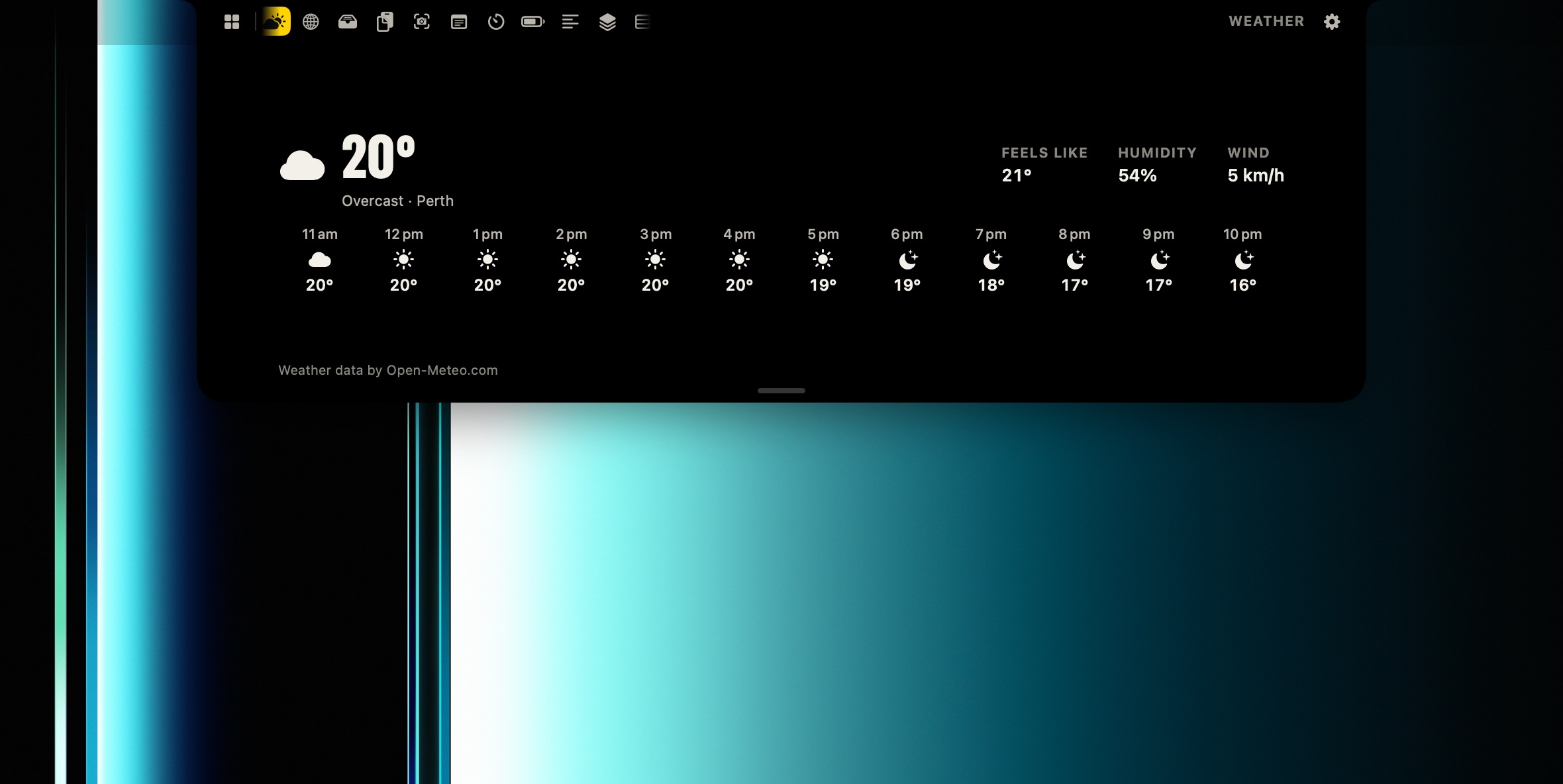
Hover over the notch and it opens into a panel; move away and it's a notch again. Pick the modules you want, from Now Playing and Calendar to Weather, Clipboard, File Shelf, Teleprompter, Focus Timer and Ports. Everything stays on your Mac.
What it does
Hover to open
Move to the notch and it opens. Move away and it closes. Wings beside the closed notch show a song or a countdown at a glance.
18 modules, your pick
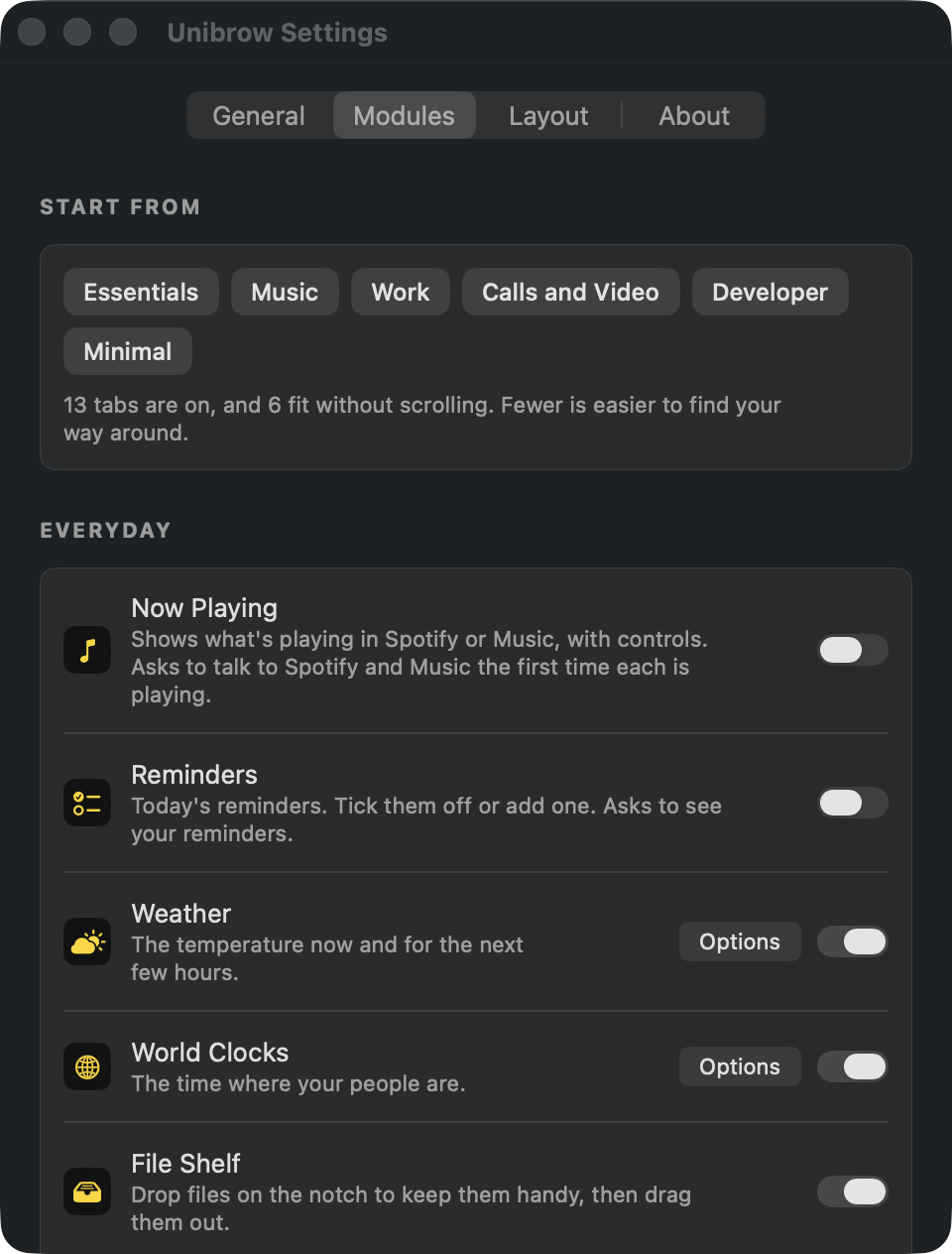
Now Playing, Calendar, Weather, Clipboard, File Shelf, Teleprompter, Focus Timer, Ports and more. Choose a preset on first launch, then turn modules on and off in Settings.
Pop-ups from anywhere
Scripts can show a short notice under the notch with a unibrow:// link, so a finished build or download tells you without a window.
What's new
Version 1.0.0 25 November 2026
- Turns the MacBook notch into a small panel that opens when you hover over it
- 18 modules to pick from, including Now Playing, Calendar, Reminders, Weather, World Clocks, Clipboard, File Shelf, Teleprompter and Focus Timer
- Wings beside the closed notch show a song or a timer at a glance
- Pop-ups under the notch for charging, timers and your own scripts
- Opens from any app with Control Option Command U
- Updates itself, once you allow it
Good to know
- Price
- Free
- Needs
- macOS 14 Sonoma or later
- Runs on
- Apple silicon and Intel
- Network
- Only for the weather and Spotify's album art if you turn those on, and update checks if you allow them. Nothing about you is sent.
- Data
- Everything stays on your Mac. No accounts, no analytics.
- Shortcut
- ⌃⌥⌘U opens the notch.
- Uninstall
- Quit it and drag it to the Bin.
Questions
macOS says it can't check Unibrow for malware.
Open System Settings, go to Privacy & Security, scroll down and click Open Anyway next to Unibrow. You only need to do this the first time.
Does it work on a Mac without a notch?
Yes, if you turn on the option to show on screens without a notch. It then shows a black pill at the top of the main display.
Why does it ask for permissions?
Only when you turn on a module that needs one, such as Calendar or Camera Mirror, and only when you press Allow Access.
Does it work with Spotify and Apple Music?
Yes. Browsers and other players aren't supported yet.